
Is Your Contact Form Losing You Leads?
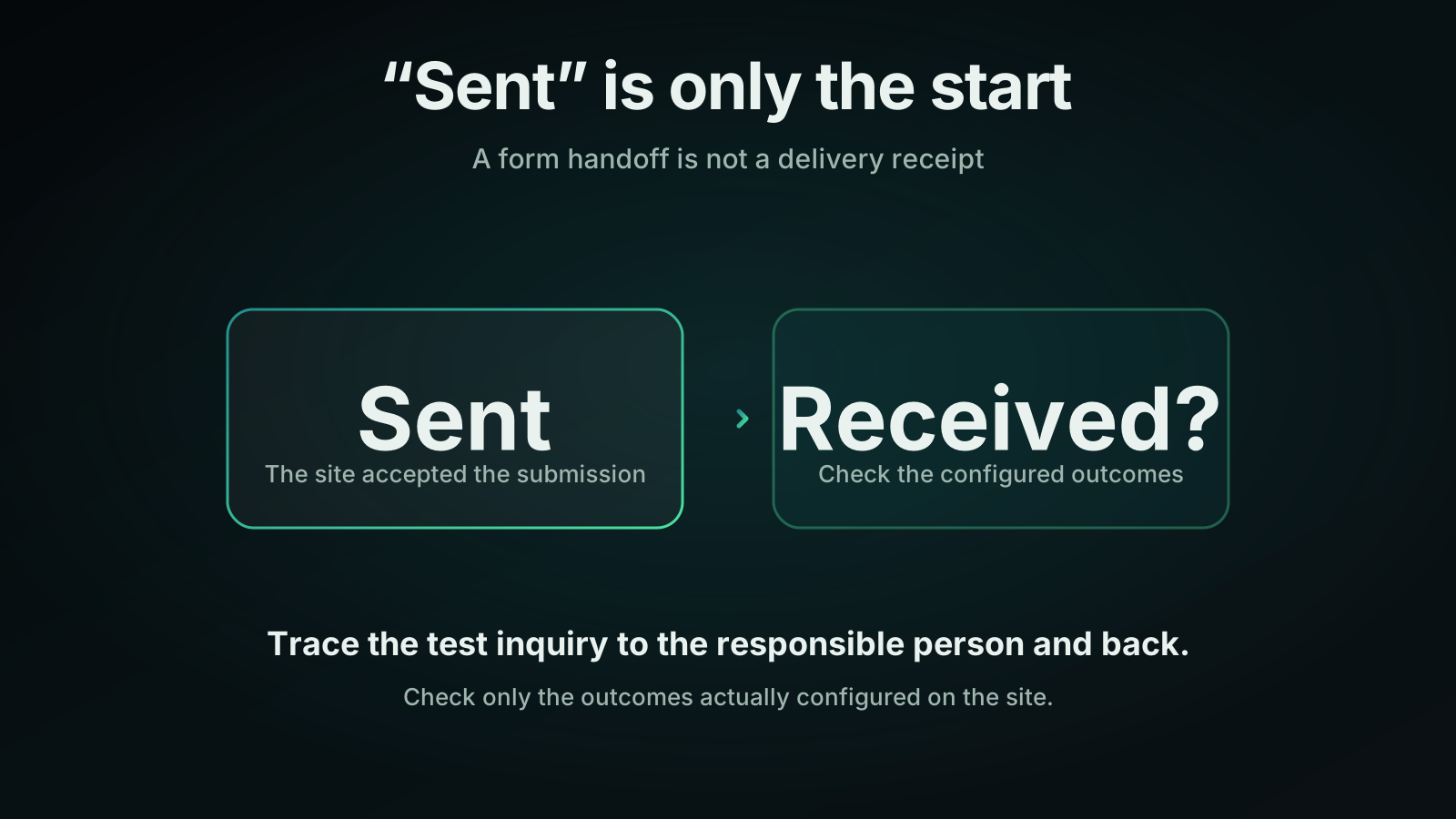
Imagine a customer submits a quote request through your website. The page says, “Thanks, we’ll be in touch.” They wait for a reply. Your team never sees the inquiry, so nobody knows there’s someone waiting.
To check whether that could happen on your site, follow a harmless test inquiry from the form to the person responsible for answering it, then get a reply back to the test address. Clicking “submit” is only the start.
What does “sent” mean?
That depends on your form’s setup. It might save a submission, send a notification, create or update a customer record, or send the visitor a receipt. Some outcomes may happen separately; others may depend on an earlier step. Check what yours is meant to do rather than assuming one universal path.
WordPress offers a useful, narrow example: its wp_mail documentation says a true return value means the sending method processed the request without errors, not necessarily that the recipient received the email.[1] That describes a WordPress email function, not every form product or the technology behind your own site.
For your test, look for evidence of each expected outcome. Don’t use the on-screen message as a substitute for checking the destination.
Before you submit anything
Coordinate with whoever handles inquiries and whoever manages the form. You can start from the public website, but checking submission records, mail logs, or the CRM may require someone with access. A CRM is the system your team uses to track contacts and inquiries.
Ask what the form triggers. Before testing, have the responsible person pause or safely bypass any paid actions or customer-facing follow-ups for the test. Make sure the test cannot contact real customers, create a charge, or start an unwanted quote or appointment process. A “TEST” label helps staff recognize it; it doesn’t tell an automation to stop. If you can’t isolate those effects safely, arrange a controlled test with your provider instead.
Use an approved test mailbox you control and harmless invented details. Don’t use real customer information. If matching an existing contact could change its record, agree on an isolated test contact first.
Follow the inquiry through
Submit a message with a unique phrase you can search for, such as “TEST inquiry — blue folder check.” Note the page address, submission time and time zone, and the exact confirmation shown. Use the same phrase in your checks so you don’t mistake an earlier test for this one.
Check each outcome that is actually configured:
- Saved submission. If the form keeps entries, ask the person with access to find the test. No entries feature means this check isn’t available, not that the form failed.
- Notification. Check the intended inbox or shared queue. Confirm the destination and assignment are right, not merely that someone received a copy. Looking in junk can help diagnose a missing notification, but finding it there doesn’t fix the delivery problem.
- Customer record. If a CRM connection is configured, look for the expected new record or update to the isolated test record. Check that the inquiry details and assignment came through.
- Sender receipt. Look in the test mailbox only if a receipt is configured or promised. Otherwise, its absence isn’t a defect.
Allow for any known processing delay and record when you checked. If an outcome is missing, don’t infer that everything before or after it also failed.
Then have the responsible person reply through the normal work process. Confirm the reply reaches your test mailbox. This checks more than arrival in a staff inbox: it checks whether the team can answer the address supplied on the form.
Check who is watching, too
A delivered notification isn’t proof that anyone read it. Ask who watches that destination and who covers absences. If it lands in a shared queue, agree on how someone takes responsibility for the reply.
Delivery and ownership are worth checking before trying to respond to leads faster.
Give your provider evidence, not a diagnosis
If something doesn’t arrive, send a short note like this hypothetical example:
Test phrase: blue folder check. Submitted at 2:40 pm, with time zone recorded. Page showed a confirmation. Test found in saved submissions. No notification in the expected inbox or junk folder when checked at 3:30. CRM check still pending because the person with access is unavailable. Sender receipt not configured.
Include which follow-ups were bypassed. That distinguishes a missing result from something you deliberately disabled, and gives the provider a starting point without guessing at the cause.
Afterward, clean up test records and tasks according to your record-handling policy. Have the responsible person confirm normal settings are restored. Record any parts you couldn’t safely test; a bypassed action hasn’t been verified.
Consider repeating the check after website, mail, routing, or staffing changes, and agree on a routine interval that suits your business.
If you’d like help deciding how these checks fit into ongoing website care, talk with D3FY about website management.
Sources
[1] https://developer.wordpress.org/reference/functions/wp_mail — WordPress wp_mail function documentation