
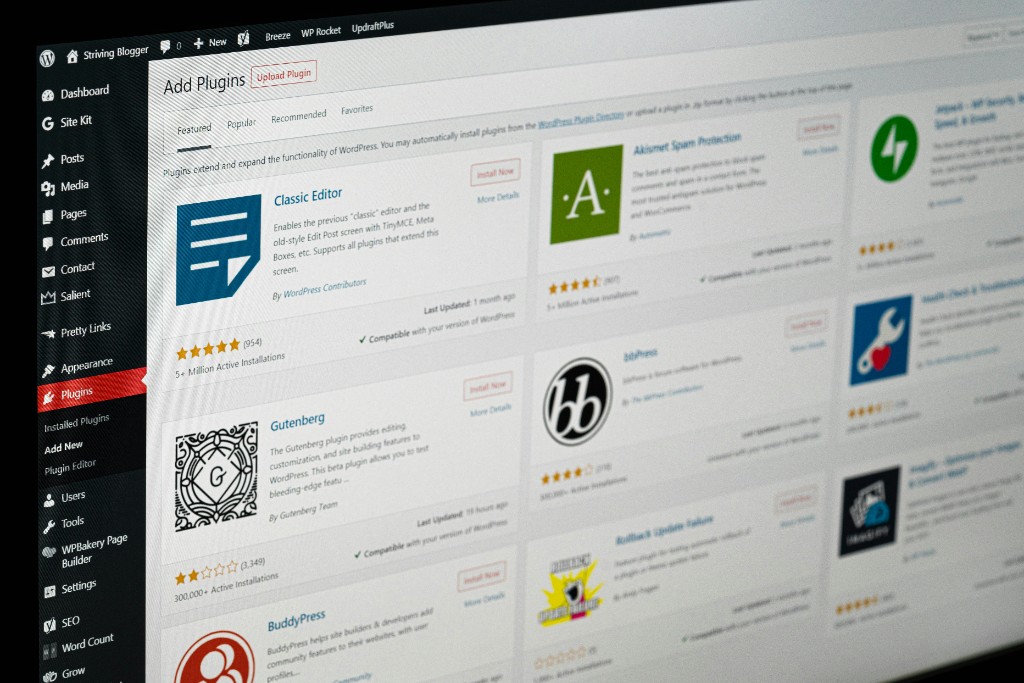
WordPress → Astro Migration
Your WordPress site is slow, a security target, and a maintenance burden. There's a better way.
We convert WordPress websites to Astro — a modern framework that makes sites dramatically faster, more secure, and far easier to manage. You don't need to know what Astro is to benefit from it. You keep your content, your rankings, and your design — you just lose the parts that were holding you back.
What Is Astro?
A website that's already built when your visitor arrives
WordPress assembles every page on the fly: it queries a database, runs PHP, and loads plugins each time someone visits. That's why WordPress sites get slow, break after updates, and get hacked.
Astro works the opposite way. Your entire site is pre-built into plain HTML files. When a visitor shows up, the page is already finished — it just gets delivered. No database to query, no PHP to run, no plugins to exploit.
We know the framework works because we rebuilt D3FY's own website from WordPress to Astro — you're looking at it.

Why It's Better
Three differences you'll feel immediately
Much faster
Every page on an Astro site is pre-built and served as a plain static file. There's no database to query, no PHP to execute, and no plugin bloat slowing things down. Faster sites rank better in Google — and they convert better, too.
Much more secure
WordPress's biggest weakness is its own ecosystem: plugins, themes, and the PHP-and-database layer are one of the most attacked targets on the web. A static Astro site has no database, no server-side code to exploit, and dramatically less to hack.
Much easier to manage
No weekly plugin updates that break your site. No core updates. No white screen of death. And with D3FY's care plan, updates, monitoring, backups, and uptime are handled for you — you get a fast, secure site without managing any of it.
WordPress vs. Astro
The difference, side by side
Same website, same content — a completely different experience under the hood.
| What matters | WordPress | Astro |
|---|---|---|
| Page speed | Seconds — depends on hosting, plugins, and database | Near-instant — pre-built static files |
| Security | Large attack surface: PHP, MySQL, plugins, themes | Minimal — no database, no server-side code to exploit |
| Maintenance | Constant plugin, theme, and core updates — each one can break the site | Nothing to update; changes are deliberate and tested |
| Hosting | Requires a PHP + MySQL server, often shared hosting | Static files served from a global CDN |
| Content editing | WordPress admin dashboard with a stack of plugins | Fast, simple workflows — or D3FY manages it for you |
Nothing Lost in the Move
You keep everything that matters
Your domain
Your web address stays exactly the same. Nobody notices a thing.
Your content
Every page, post, and image is migrated and rebuilt — nothing left behind.
Your SEO
We preserve your existing URLs with permanent redirects and match your content, so rankings aren't thrown away.
Your design
We match your current look and feel — or use the migration as a chance to refresh it.
Your blog
Every article comes with you and keeps working, just faster.
Your analytics
Tracking stays connected, so you don't lose your data or reporting.
How It Works
A migration that doesn't disrupt your business
01
Discover
We audit your WordPress site — every page, post, plugin feature, and SEO detail — so nothing gets lost in the move.
02
Plan
We map the new site, preserve your URLs with redirects, and agree on scope, design, and timeline before any code is written.
03
Build
We rebuild your site in Astro, matching your content and design, and test everything before it goes anywhere near your live site.
04
Launch & maintain
We move the site over, verify every page, and keep it fast and secure with our care plan — monitoring, backups, and updates handled for you.
Is This Right for You?
Great fit for most business sites
A great fit
Brochure sites, service businesses, local businesses, blogs, and marketing sites — anything that doesn't need a database-backed CMS. If your site exists to inform customers and generate leads, Astro is almost certainly a better home for it.
Worth a conversation first
Heavy e-commerce with plugin-specific features, member portals, or a team that actively edits content in the WordPress dashboard every day. These can still work — we'll talk through what you actually need and recommend the honest answer.
Questions
Before you reach out
What is Astro, exactly?
Astro is a modern website framework. Instead of assembling each page on the fly the way WordPress does — pulling from a database, running PHP, loading plugins — Astro builds your entire site ahead of time into plain HTML files. When someone visits, the page is already finished and simply gets delivered. Less moving parts means faster, more secure, and far less to break.
Will I lose my SEO rankings?
No. We preserve your existing URLs with permanent redirects and rebuild your content to match what you have today. In practice, most sites keep their rankings — and often improve, because page speed is a ranking factor and Astro sites are dramatically faster.
What happens to my blog?
Your blog comes with you. Every post is migrated, and the blog keeps working exactly as it does today — typically much faster.
Can I still edit my site?
Yes. We can set up a simple editing workflow for your team, or — if you'd rather not think about it — our managed care plan handles content changes, monitoring, backups, and updates for you.
Will my plugins still work?
Plugins don't transfer directly. During discovery we document what each plugin actually does for your business, then rebuild only the features you genuinely use. Most sites discover they need far fewer moving parts than they thought.
How long does a migration take?
It depends on the size of your site. We'll give you a clear timeline during planning — most business sites are completed in 1–3 weeks.
Do I keep my domain and hosting?
You keep your domain. Hosting typically gets simpler and less expensive, because a static Astro site doesn't need a PHP/MySQL server — and we can manage hosting for you as part of your care plan.
Ready When You Are
Ready to leave WordPress behind?
Start with a free migration review. We'll tell you exactly what your site needs — and whether a migration is worth it for you.